
Everything about your child's school day, in one place
Today's attendance, approved grades, fees, and a message that reaches the class teacher — on any phone, on a weak connection.
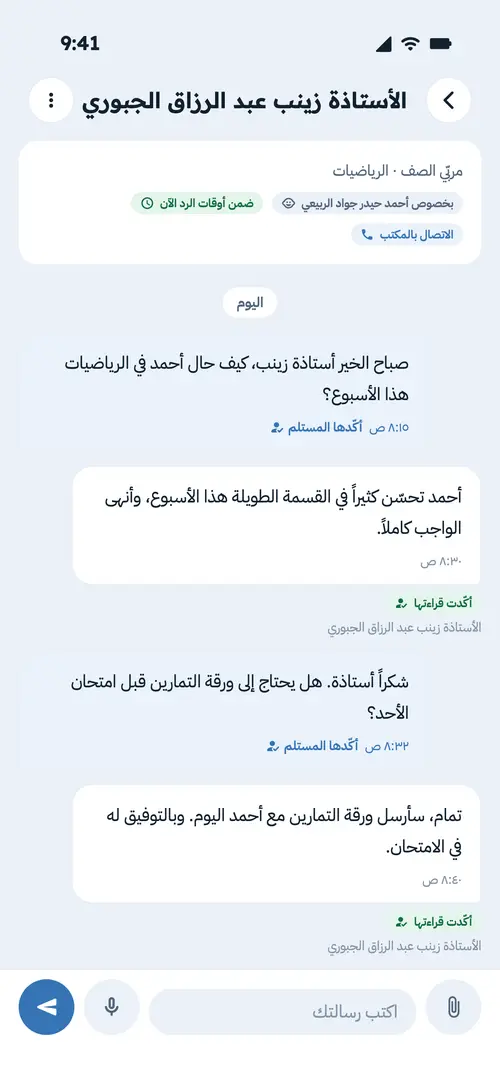
What changes for each of them
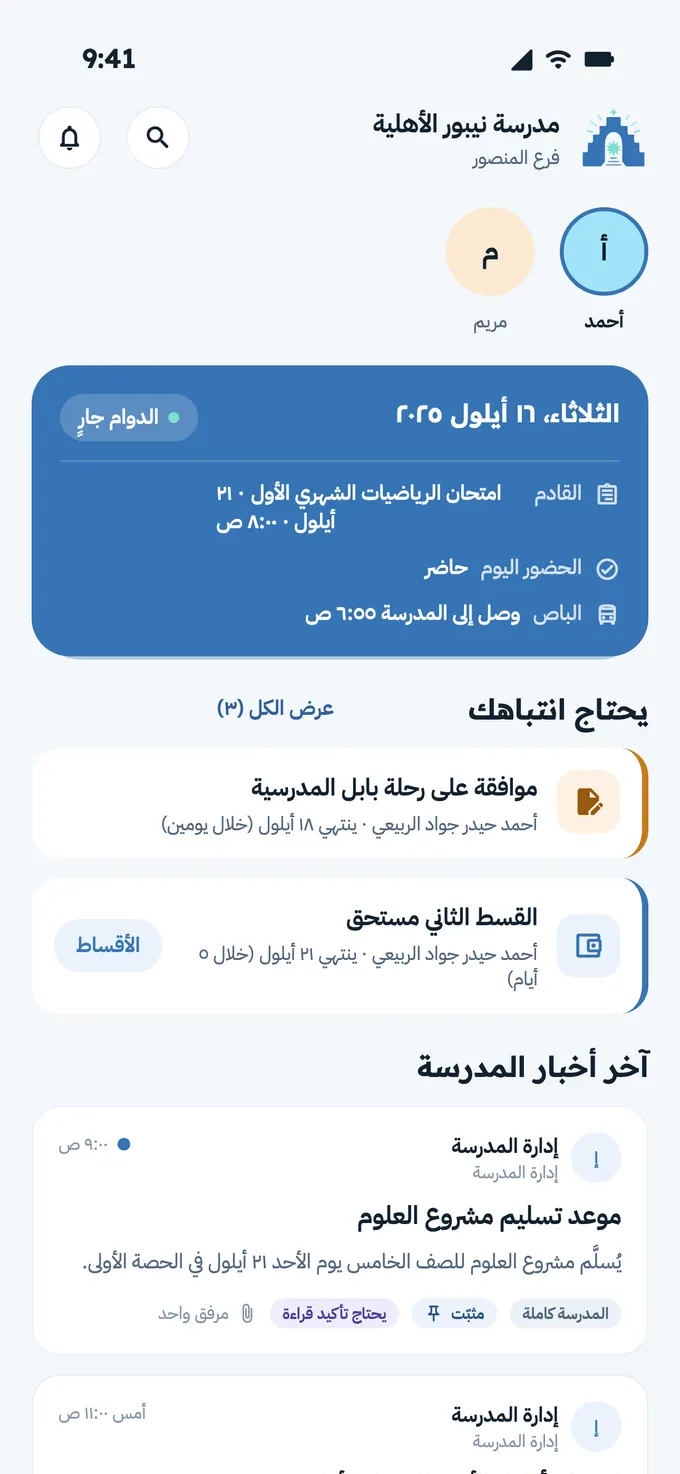
The parent Follows
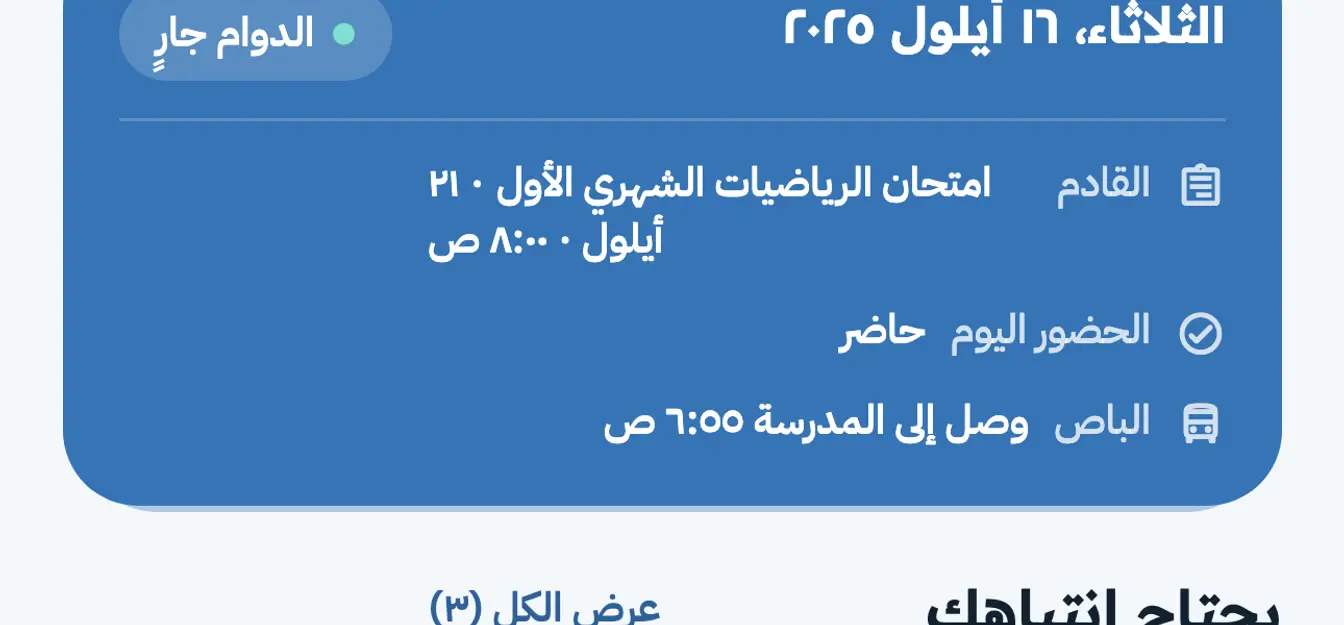
Today's attendance, the latest approved grades, what remains of the fees, and whatever needs their attention — on one screen, with all their children in one account.
The parent appThe teacher Records
Lesson attendance from their phone in a minute, and exam marks that go for approval before any family sees them. They see their own classes and nothing else.
Attendance and grades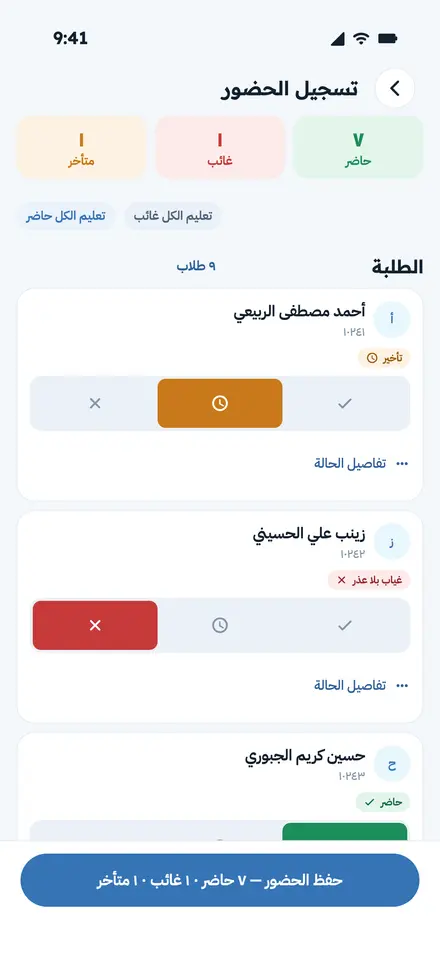
The office Decides
A dashboard, student records, approvals before anything is published, fee plans and receipts, overdue accounts — and an audit log naming who changed what and when.
The admin panel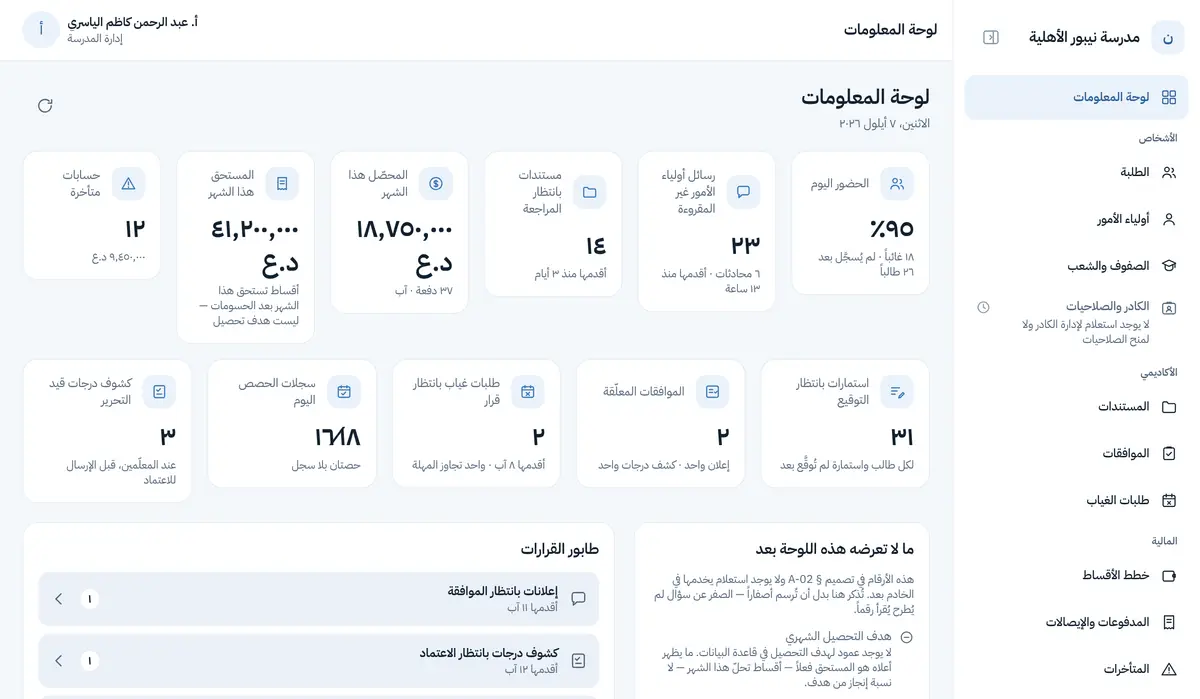
What Nippur does today

Messages that arrive, and say who read them
A direct conversation between a parent and a teacher or the office, with no groups and no exposed phone numbers.
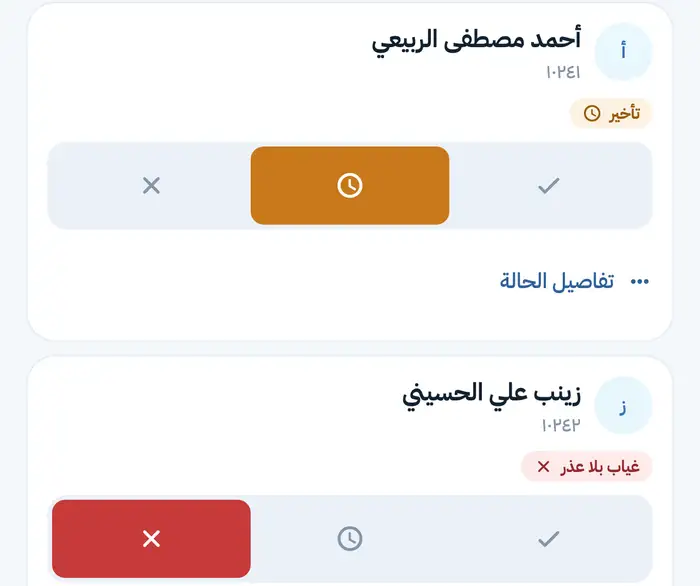
Attendance and absence
The teacher takes the register from their phone; the parent sees the day with a colour and a word.
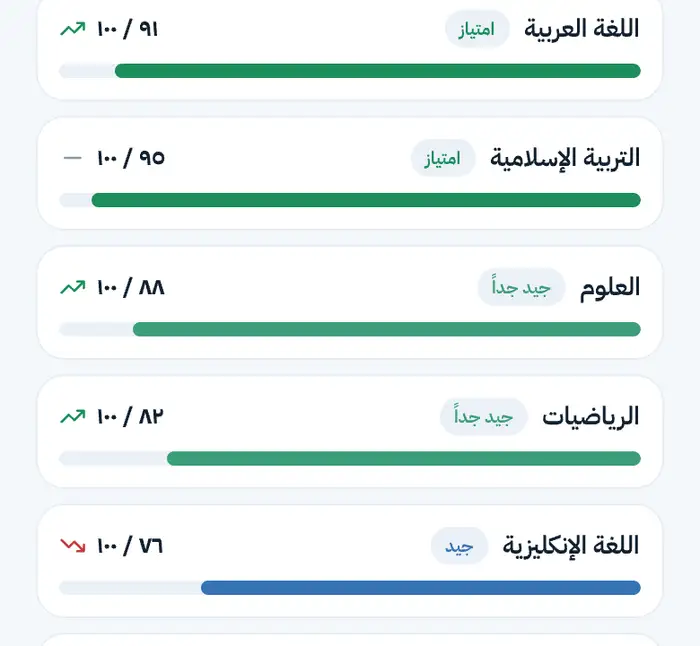
Grades that are never published by mistake
The teacher enters, the office approves, then the family sees.
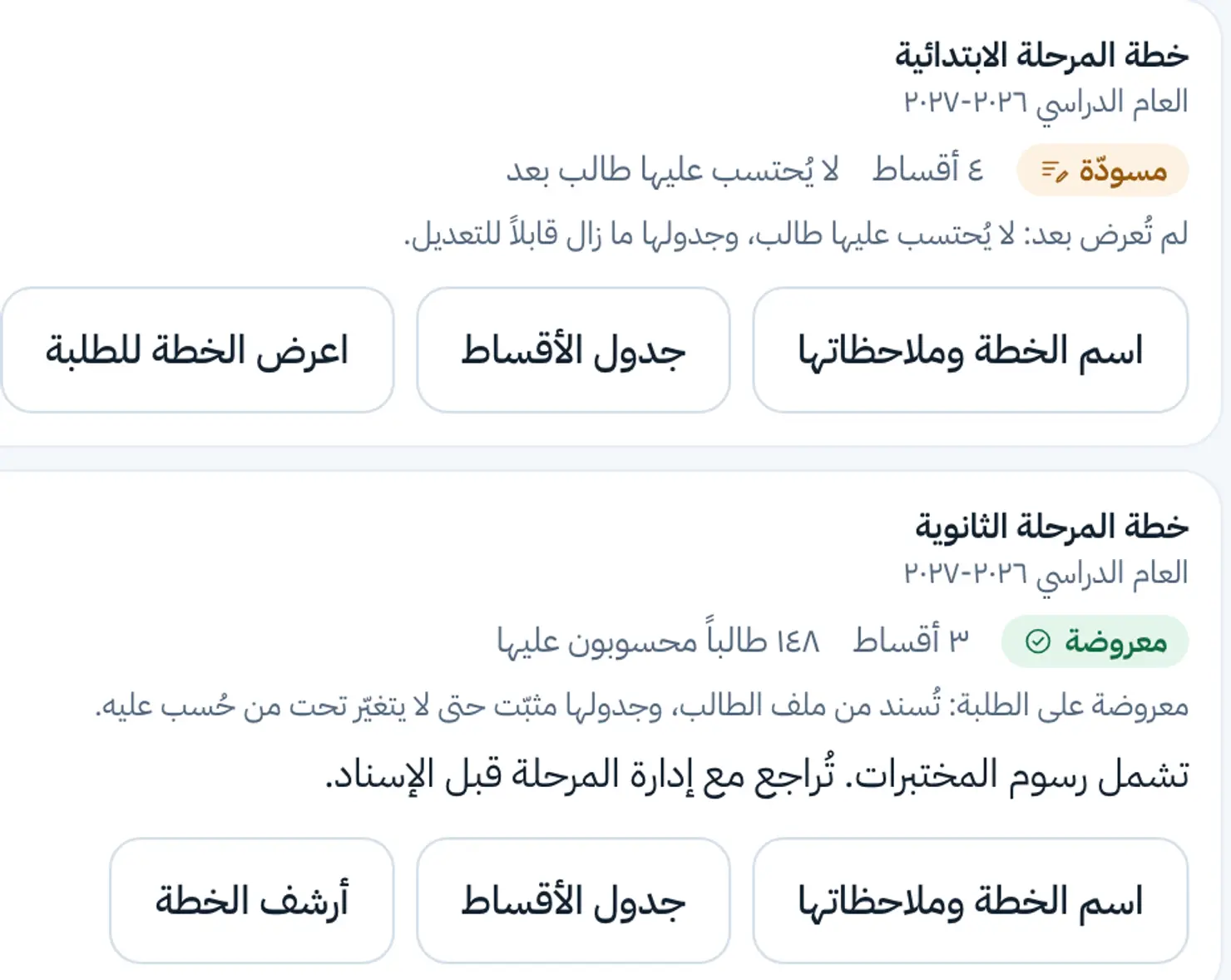
Fees and receipts
The parent sees what is due, what was paid and what remains, the full amount with no abbreviation.
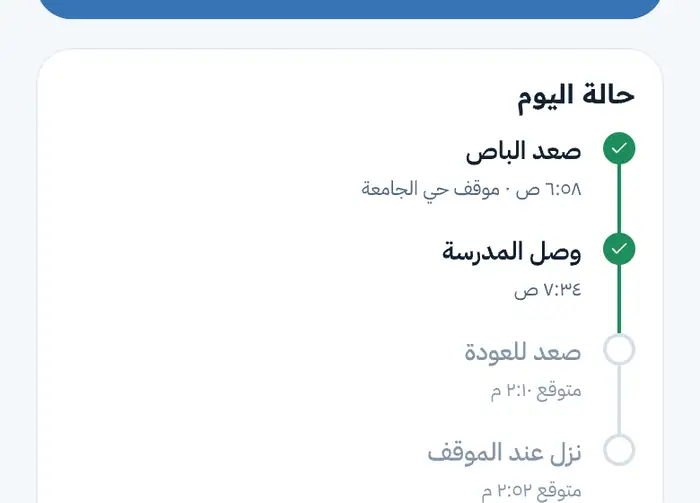
Pickup and transport
The parent nominates who may collect the child; the school is the one that approves.
One calendar for everyone
Exams, holidays, events and fee due dates in a calendar the school and the family both know.
Announcements to the people they concern
An announcement to one class, a grade level or the whole school, with an option to require acknowledgement.
Documents and forms
The parent uploads from their phone; the registrar reviews.
The parent app: you hear first, not last
In WhatsApp groups a parent is the last to know: they discover a child falling behind at the end of term, an absence a week later, a fee after it has piled up. Nippur turns that around.
Today's attendance, the latest approved grades, what remains of the fees, and whatever is waiting for your reply — the moment you open the app.
What matters most is not what it does, but what it refuses to let happen
The school decides who gets an account
No SMS.
A parent sees only their own children
And a teacher sees only their own classes.
Every refusal states its reason
No bare “failed” or “rejected”.
A record nobody can edit or delete
Every change to a mark, an attendance entry, an instalment or a pickup authorisation is recorded automatically: who, when, and the value before and after.
From setup to the first day
We do the setup; the school needs no technical team.
The system is set up in the school’s name
The system is set up in the school’s name
With the school’s name, branches and academic year, then the classes and sections, then the students.
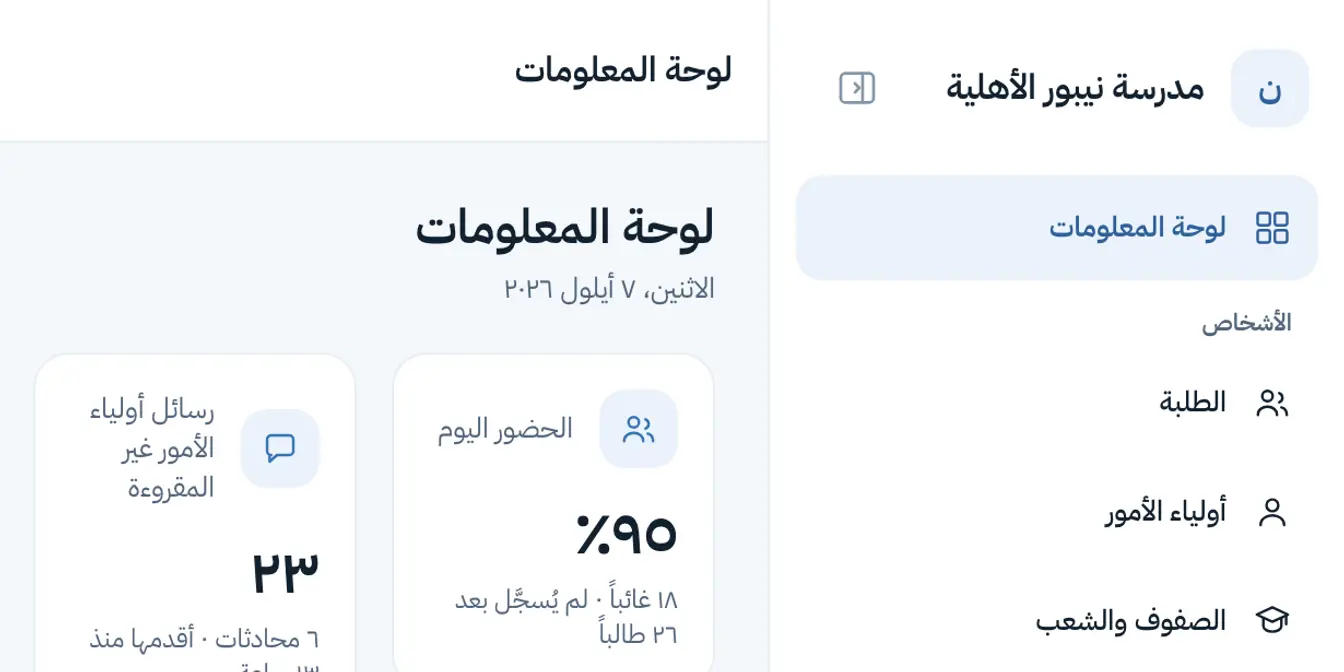
Staff sign in with their codes
Staff sign in with their codes
The school issues each teacher and staff member a sign-in code.
Two codes per child
Two codes per child
Each child gets two codes, one per guardian slot, handed over at reception or on paper.
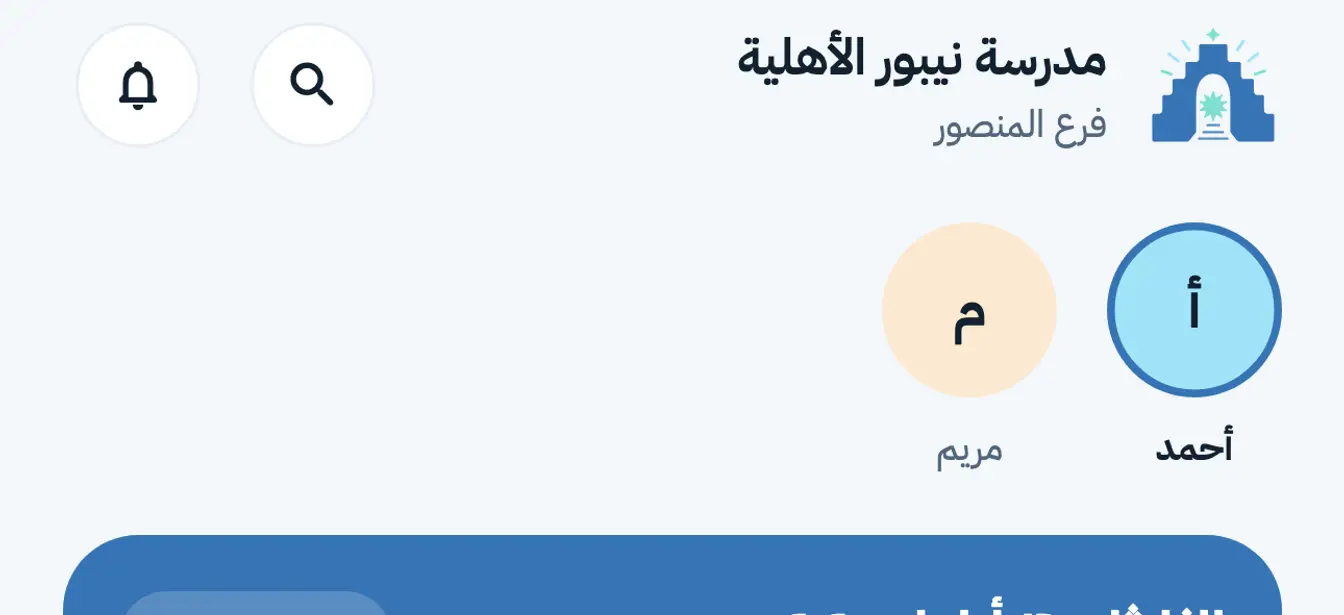
The parent sees their children
The parent sees their children
They enter the code, set a PIN, and see all their children in one account.
The whole school on one screen, in a browser
The panel runs in any browser from the school office, with nothing to install.
- Today's attendance, unanswered messages and how long they have waited, documents awaiting review, and this month's collection
- Approvals before publishing: a teacher’s announcement, a grade sheet, or a mark correction
- Fee plans, recording payments, receipts, and overdue accounts
- A ten-section record per student, and a change history that cannot be deleted
Frequently asked questions
Request a demo for your school
We show you the app and the admin panel on demo data and answer your questions. One session is enough to know whether it fits your school.